> ## Documentation Index
> Fetch the complete documentation index at: https://v1-learn.neoartd.my.id/llms.txt
> Use this file to discover all available pages before exploring further.
# GUIs
> 3 assignments
## 29. Using Swing for Input - [Link](https://programmingbydoing.com/a/using-swing-for-input.html)
Type in the following code, and get it to compile. Run it, and see what it does.
**Sample Code**
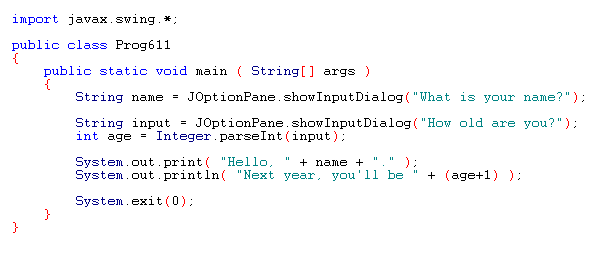
```java UsingSwingForInput.java theme={null}
import javax.swing.*;
public class UsingSwingForInput {
public static void main(String[] args) {
String name = JOptionPane.showInputDialog("What is your name?");
String input = JOptionPane.showInputDialog("How old are you?");
int age = Integer.parseInt(input);
System.out.print("Hello, " + name + ". ");
System.out.println("Next year, you'll be " + (age + 1));
System.exit(0);
}
}
```

 ```bash theme={null}
U:\>java UsingSwingForInput
Hello, muqoffin. Next year, you'll be 22
```
## 30. A Boring Window - [Link](https://programmingbydoing.com/a/boring-window.html)
Type in the following code, and get it to compile. Run it, and see what it does.
**Sample Code**
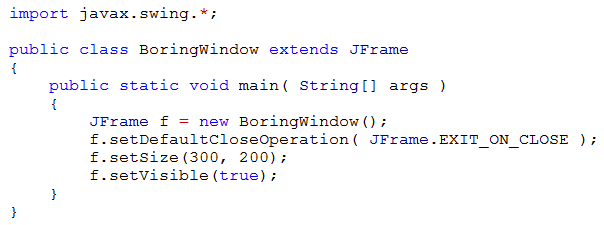
```java BoringWindow.java theme={null}
import javax.swing.*;
public class BoringWindow {
public static void main(String[] args) {
JFrame f = new JFrame();
f.setDefaultCloseOperation(JFrame.EXIT_ON_CLOSE);
f.setSize(300, 200);
f.setVisible(true);
}
}
```
```bash theme={null}
U:\>java UsingSwingForInput
Hello, muqoffin. Next year, you'll be 22
```
## 30. A Boring Window - [Link](https://programmingbydoing.com/a/boring-window.html)
Type in the following code, and get it to compile. Run it, and see what it does.
**Sample Code**

```java BoringWindow.java theme={null}
import javax.swing.*;
public class BoringWindow {
public static void main(String[] args) {
JFrame f = new JFrame();
f.setDefaultCloseOperation(JFrame.EXIT_ON_CLOSE);
f.setSize(300, 200);
f.setVisible(true);
}
}
```
 ## 31. A Frame with a Panel with Writing on It - [Link](https://programmingbydoing.com/a/a-frame-with-a-panel-with-writing-on-it.html)
Type in the following code, and get it to compile. Run it, and see what it does.
**Sample Code**
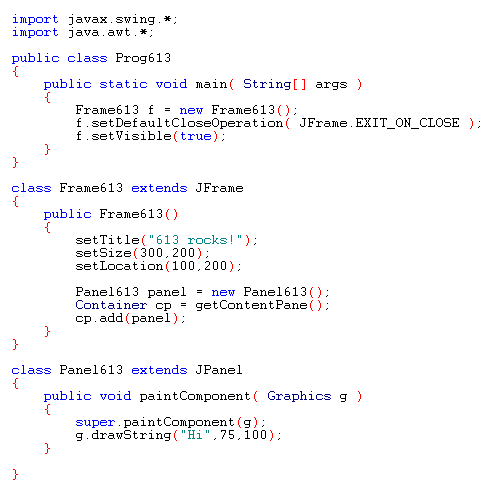
```java FrameWithAPanelWithWritingOnIt.java theme={null}
import javax.swing.*;
import java.awt.*;
public class FrameWithAPanelWithWritingOnIt {
public static void main(String[] args) {
Frame613 f = new Frame613();
f.setDefaultCloseOperation(JFrame.EXIT_ON_CLOSE);
f.setVisible(true);
}
}
class Frame613 extends JFrame {
public Frame613() {
setTitle("613 rocks!");
setSize(300, 200);
setLocation(100, 200);
Panel613 panel = new Panel613();
Container cp = getContentPane();
cp.add(panel);
}
}
class Panel613 extends JPanel {
public void paintComponent(Graphics g) {
super.paintComponent(g);
g.drawString("Hi", 75, 100);
}
}
```
## 31. A Frame with a Panel with Writing on It - [Link](https://programmingbydoing.com/a/a-frame-with-a-panel-with-writing-on-it.html)
Type in the following code, and get it to compile. Run it, and see what it does.
**Sample Code**

```java FrameWithAPanelWithWritingOnIt.java theme={null}
import javax.swing.*;
import java.awt.*;
public class FrameWithAPanelWithWritingOnIt {
public static void main(String[] args) {
Frame613 f = new Frame613();
f.setDefaultCloseOperation(JFrame.EXIT_ON_CLOSE);
f.setVisible(true);
}
}
class Frame613 extends JFrame {
public Frame613() {
setTitle("613 rocks!");
setSize(300, 200);
setLocation(100, 200);
Panel613 panel = new Panel613();
Container cp = getContentPane();
cp.add(panel);
}
}
class Panel613 extends JPanel {
public void paintComponent(Graphics g) {
super.paintComponent(g);
g.drawString("Hi", 75, 100);
}
}
```
